
Promotional Products
Acrylic Products
We make acrylic signs, desktop information displays and display products, and print logos, text and images on them. Cutting, fixings and printing are planned for the intended use.

1 / 3 · Clear acrylic desktop brochure holder
Applications
- Institution and office signs
- Desktop information presentation
- Product and brochure displays
- Minimum order quantity
- 500 pieces
- Desktop product base dimensions
- Measure the sheet’s width, height and desktop depth separately. Keep the section entering the base clear of print and specify hole spacing for wall mounting.
- Sheet and appearance
- Transparency, colour and sheet type affect processing. Cast and extruded acrylic can give different engraved finishes.
- Position and attachment
- A desk base determines how the product stands; wall attachments determine mounting position. Plan holes and bends with the visible print face.
- Which side will the text be read from on clear acrylic?
- Decide the viewing side first. If back printing will be read through the front, prepare image orientation, white ink and clear areas accordingly. Printing on acrylic samples should be checked from both front and back to confirm the layout.
- Sheet and visible print area
- Specify the outer dimensions separately from the area exposed by the frame. For reverse printing, check the reading direction from the front and mark clear areas on the drawing.
- Does acrylic printing include cutting and mounting?
- Printing on an existing acrylic sheet and making a finished acrylic product are separate jobs. Define cutting, holes, sheet supply and installation separately.
Related printing services: Screen Printing, UV Printing
Before printing
- Part drawing preparation
- Prepare cutting paths and holes as separate closed lines, showing joining parts and the print face on a dimensioned drawing.
- Print orientation check
- Prepare the file as it should read from the front. Identify the print face, image direction, white layer and clear areas separately.
Related products
All Products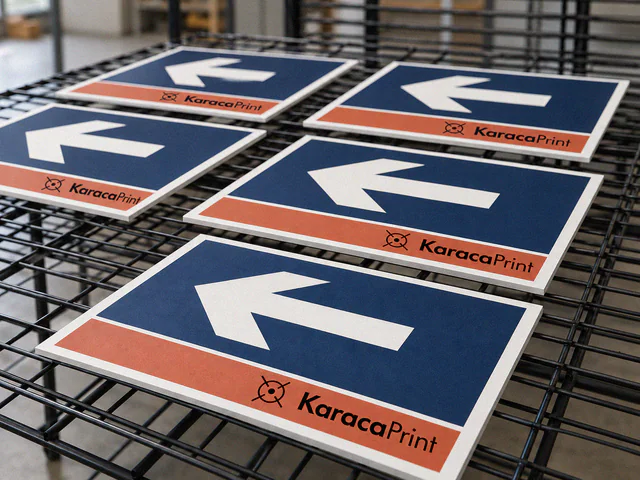
Foam PVC Board Printing
Printed foam PVC board panels for in-store promotion, directions and notices.
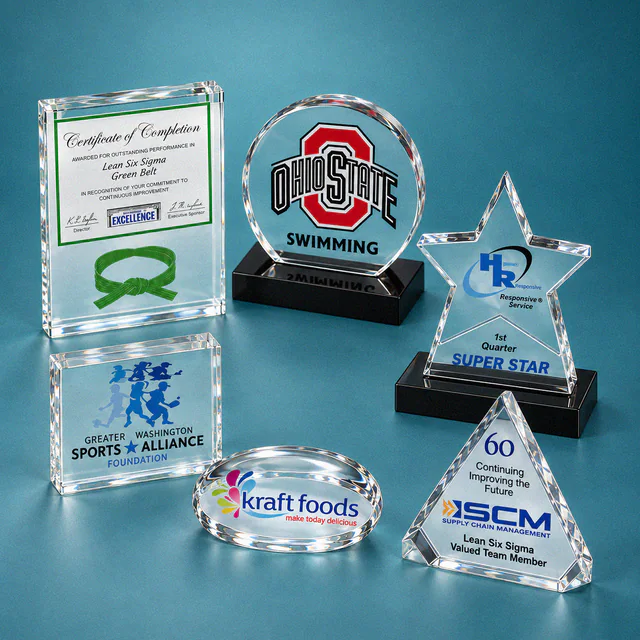
Awards and Plaques
Personalised crystal or acrylic awards displaying a name, date and message of thanks alongside a company logo.

3D Door Signs
Three-dimensional door signs displaying room, person or department names in raised letters, numbers or symbols.
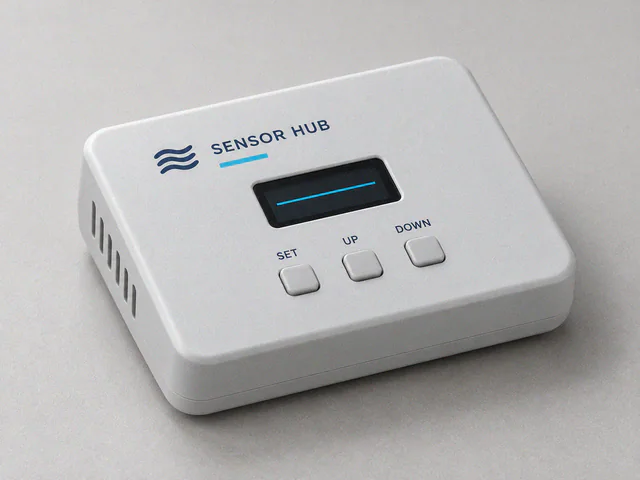
Product Printing & Marking
Logos, text and markings on devices, enclosures, covers, parts and balls, using methods selected for each surface.