
Commercial Printing
Brochures
A brochure presents essential product or service information in a clear reading order. Coated or uncoated paper is chosen alongside the distribution method, folding layout and desired finish.

1 / 5 · Red, black, and white, folded brochure
Applications
- Trade fair promotions
- Campaign announcements
- Product information sheets
- Minimum order quantity
- 500 pieces
- Minimum dimensions
- 10 × 10 cm
- Paper and weight
- Paper type, weight in g/m², thickness and grain direction are chosen together for the intended folds and feel. A folded sample makes the brochure's handling tangible.
- Folding and readability
- Flat size describes the full sheet; folded size describes the distributed brochure. A 40 × 20 cm sheet folded halfway along its long edge becomes 20 × 20 cm. The inward-folding panel of a roll fold needs a separate allowance.
- What is the difference between an unfolded, single-fold and two-fold brochure?
- A single-sheet brochure is used without folding. One crease makes a single fold; two creases divide a double-fold design into panels. Roll folds and Z-folds have different covers and reading sequences, so flat size and panel layout are determined together.
- Should I choose a brochure or a catalogue?
- A brochure suits a short introduction, campaign or product summary. For many products arranged with codes, images and technical details, catalogue format can be considered. The choice depends on the amount of information and the reading order.
- Does the number of folds change the print quantity?
- One finished folded brochure counts as one item. A double-sided, three-panel sheet provides six printed faces. Distribution quantities count finished brochures rather than panels.
Related printing services: Offset Printing, Digital Printing
Before printing
- Folded sample
- A blank paper mock-up shows the cover and inside-face sequence. Check how the selected paper looks at folds and how it closes on a sample.
- Content and quotation
- Flat and folded dimensions, quantity, distribution method and any paper preference are the basic quotation details. Verify product names, contact details and dates before printing.
Related products
All Products
Catalogues
Printed catalogues bringing product codes, images and technical details together.
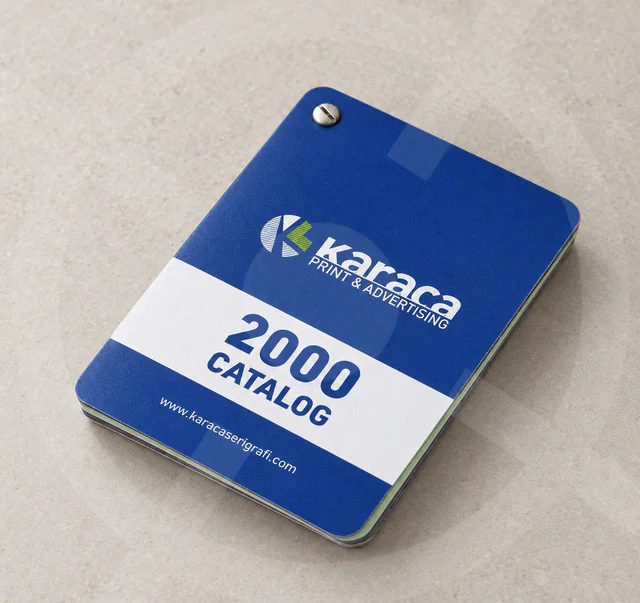
PVC Booklets
Printed PVC booklets arranging information and sample sheets in a sequential presentation.
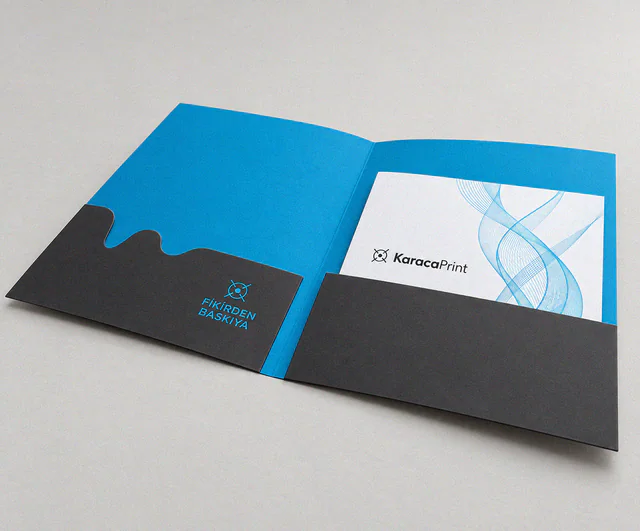
Presentation Folders
Printed pocket folders that bring quotations, brochures and business cards together in one presentation.
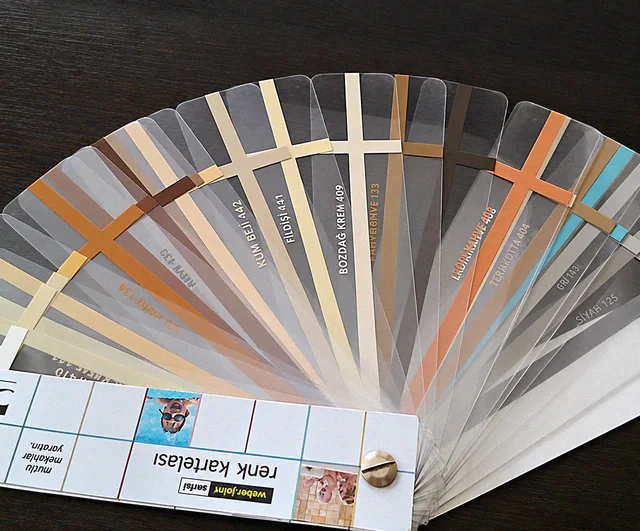
Sample Swatch Books
Sample presentation sets for comparing colour and material options by their codes.