
Commercial Printing
Presentation Folders
A presentation folder keeps quotations and promotional documents together. Board type and weight, pocket height, spine allowance and business card slots are chosen to fit the actual document set.

1 / 5 · Kraft-coloured presentation folder with its inner pocket open
Applications
- Quotation presentations
- Training folders
- Trade fair meetings
- Minimum order quantity
- 500 pieces
- Recommended minimum dimensions
- For A5 documents, 16 × 22 cm closed width × height. Pocket height and spine allowance depend on the total thickness of the contents.
- Closed dimensions and document thickness
- The closed folder must let the largest document fit into the pocket without bending its corners. Measure the complete document stack to choose spine allowance. Thicker paper may require a wider spine even at the same sheet count.
- Surface and folding
- Choose coated or specialist board with the print and coating. Grain direction and creasing affect fold appearance. Check how the filled folder closes on a sample.
- What is the difference between single-pocket and double-pocket folders?
- One pocket holds documents together. Two pockets can separate a quotation from a brochure. When each customer receives one document set, count one folder per set regardless of pocket count.
- What is the difference between a pocket folder and an L folder?
- A cardboard presentation folder combines a cover and inner pockets to hold business presentation documents. Plastic L folders have open top and side edges so documents can be inserted without punching. Choose according to presentation style and document use.
Related printing services: Offset Printing, Digital Printing
Before printing
- Unfolded template
- Show front, back, pockets, business card slots and gluing areas separately on the flat drawing. Faces visible after folding determine artwork orientation.
- Filled sample and quotation
- The intended brochures, documents and business cards help determine covers, pockets and slots. Quantity, board type and weight are confirmed with the quotation.
Related products
All Products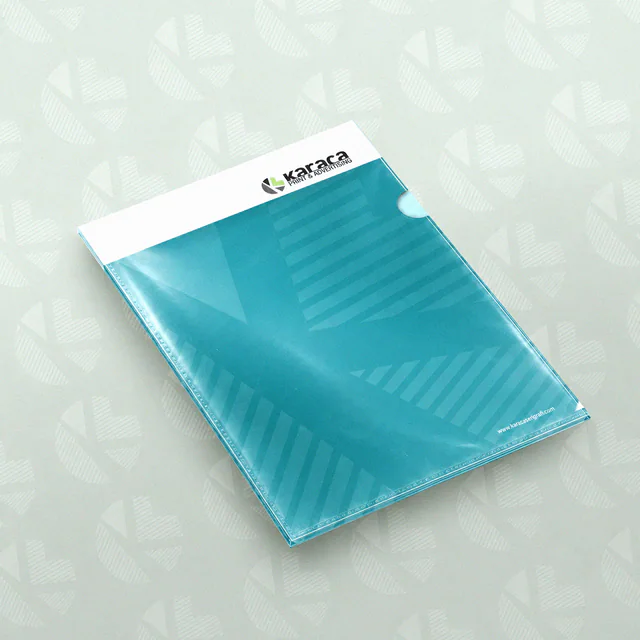
Plastic L Folders
Printed plastic folders with open top and side edges for inserting documents without punching holes.

Printed Plastic Folders
Plastic presentation folders with covers, pockets and printing planned for the document volume.
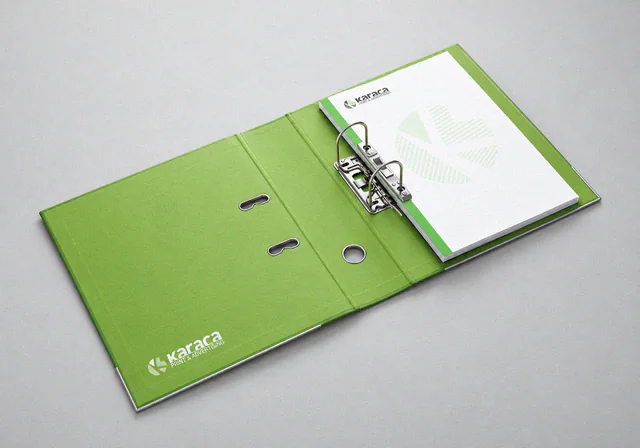
Ring Binders
Business ring binders with printed covers and spines for organising archive and presentation documents.
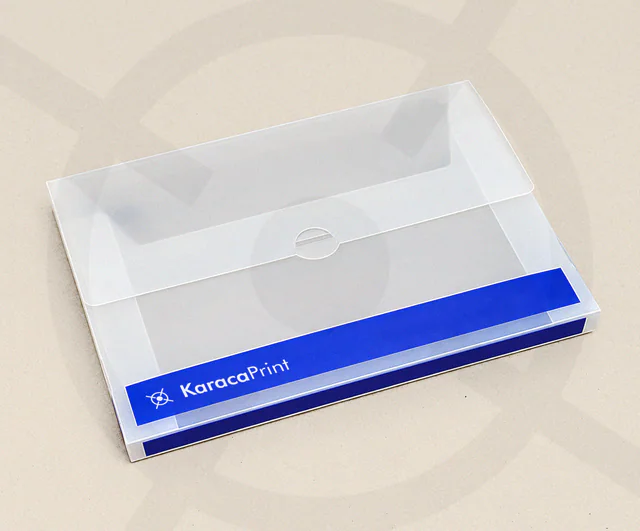
Plastic Document Wallets
Printed plastic document wallets with a flap and space for a stack of papers.