
Commercial Printing
Polycarbonate Panel Labels
Made from polycarbonate (PC) film, panel labels align button markings and display windows with your equipment layout. Printing, cut-outs and adhesive areas follow the same drawing.

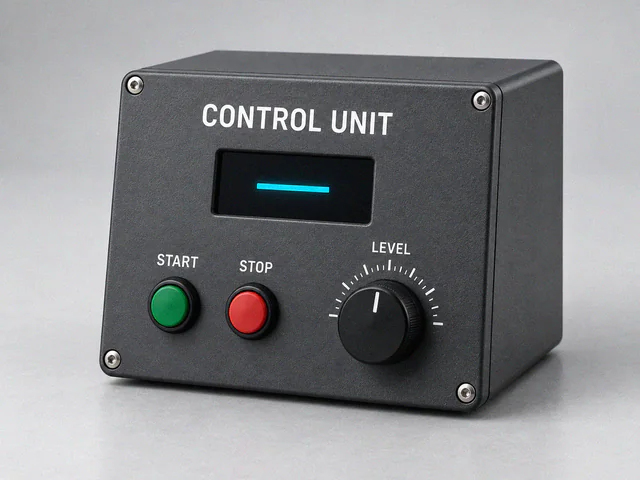
1 / 6 · Black control panel with coloured button symbols around a digital display
Applications
- Machine control panels
- Electronic devices
- Measuring equipment
Specifications
- Label dimensions
- Minimum 30 × 30 mm; maximum 500 × 500 mm. These are the overlay's overall width × height. Window and hole positions are assessed separately.
- Minimum order
- 500 pieces
- Material
- Polycarbonate (PC) film
- Finishes
- Gloss, matte and textured
- Adhesive
- 3M 468 adhesive
- Windows and cut-outs
- Matching outer dimensions do not ensure fit if display windows, button centres or mounting holes differ. Define them from the actual equipment layout, separating light-transmitting areas from opaque print.
- Surface compatibility
- Film texture, adhesive and cleaning-product compatibility support everyday panel use. Assess the material's technical properties against the equipment's operating conditions.
Related printing services: Screen Printing
Before printing
- Drawing layers
- Define cutting lines, holes, windows and adhesive-free areas on separate layers. Check that the drawing matches the equipment revision.
- Checking the fit
- Compare the overlay with the actual front panel. Check button and display alignment, symbol readability and adhesive areas on a sample.
Frequently asked questions
- What material is used for polycarbonate labels?
- We use polycarbonate (PC) film.
- Which finishes are available?
- Gloss, matte and textured finishes are available.
- Which adhesive is used?
- We use 3M 468 adhesive.
- How are display and button areas positioned?
- Windows, holes and printed areas are aligned with the actual equipment layout.
Reverse printing places text and colours behind the clear film. The front surface separates print from direct contact, helping protect graphics on frequently used equipment panels.
The graphic overlay brings buttons and indicators into a readable interface. Symbols guide the user while the equipment's mechanism provides electrical switching.
Three details of a polycarbonate panel label

- Display window
The window lines up with the display so that all the digits are visible. The drawing specifies the window size and its distance from the edge of the panel.
- Key centres
The printed arrow should line up with the centre of the key beneath it. The spacing between adjacent keys is measured from centre to centre.
- Cut edge and adhesive area
At the marked edge, the black label meets the metal housing. The adhesive is on the back. The production drawing shows the adhesive area separately from the display window.
Related products
All Products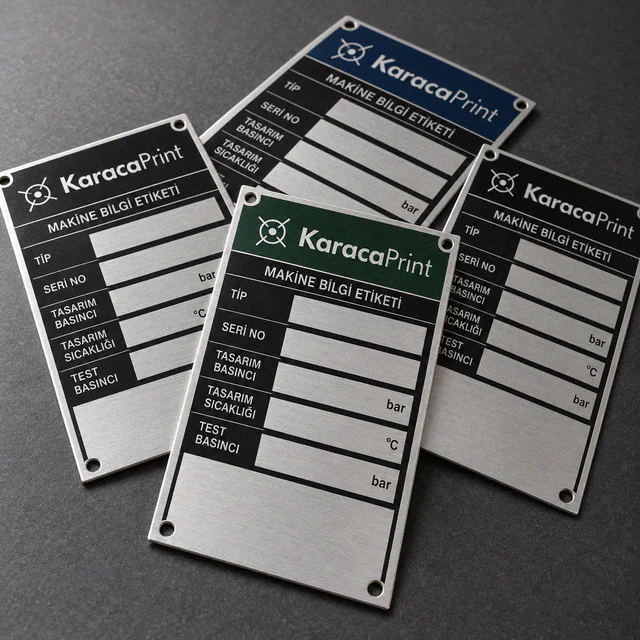
Metal Barcode Labels
Variable QR codes, barcodes and serial numbers on metal plates or product surfaces.
Product Printing & Marking
Logos, text and markings on devices, enclosures, covers, parts and balls, using methods selected for each surface.
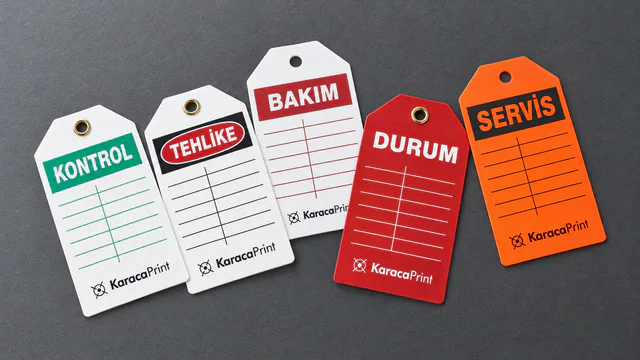
PVC Plastic Labels
Hanging or surface-applied PVC labels for product identification, maintenance, inspection and lockout warnings.

PVC Vinyl Labels
Screen-printed PVC vinyl labels for equipment warnings and outdoor directions, made to suit their operating conditions.