
Commercial Printing
Metal Barcode Labels
We apply variable QR codes, barcodes and serial numbers to metal labels. Machine and equipment information can appear on a separate metal plate or directly on the product surface.

1 / 5 · Logo plate with a QR code on a grey metal surface
Variable QR and barcode printing
Visible serial numbers, QR codes and barcodes can be linked to the same data record. Product numbers, asset records and web addresses are checked against the final list.
Direct marking on metal products
We print logos and identification details on metal parts or separate labels. The printing method is selected to suit the surface and the contrast required.
Applications
- Machine nameplates
- Electrical panels
- Equipment numbering
- Label dimensions
- Minimum 30 × 30 mm; maximum 500 × 500 mm. Dimensions are the metal plate's overall width × height.
- Minimum order
- 500 pieces
- Material and printing
- We select the metal substrate and printing method for the heat, cleaning and contact conditions in use.
- Mounting and data
- Hole-mounted and adhesive-mounted plates need different preparation. Match variable serial numbers and codes to the technical drawing.
- What is the difference between a metal label and a metallic film label?
- A metal label uses a metal sheet as its base. Matt silver labels use a matt silver-look film. A metallic appearance alone does not mean the label is made from metal sheet.
- Can each metal label carry a different serial number?
- Variable serial numbers and codes are matched to the record for each label. Variable data printing allows these details to change from one label to the next within a shared design.
- Which details affect legibility on metal labels?
- Assess fine text with metal reflection and print-to-background contrast. QR codes and barcodes also need clear space and actual-size scanning tests. Further details about code use are available on the barcode labels page.
- How does the mounting method affect a plate's design?
- Screw holes, rivets and edge allowances reduce the usable print area. Adhesive mounting also depends on the surface structure and contact area.
- Mark position on the part
- Specify the mark’s dimensions and distance from a fixed edge. Check its position on different bodies and allow space for the longest serial number.
Related printing services: Screen Printing
Before printing
- Nameplate drawing
- Show outer dimensions, hole centres and the mounting surface. Leave adequate clearance for important information at edges and attachments.
- Number list
- Supply serial numbers as individual records. Check the print sample for accurate numbers, barcodes and technical values.
- Reading the code
- Test the code on the finished part at its intended viewing angle and reading distance, accounting for curvature and reflections.
- Surface and data records
- Identify alloy, coating and cleaning products. For variable numbering, supply an ordered list matching each record to its part name.
Aluminium plates use actual metal sheet, unlike metallic-look film labels. Sheet thickness affects flexibility and the ability to retain shape.
Metal tone and reflection influence print colour, particularly with translucent inks. Unprinted metal areas can become part of the design.
QR codes and serial numbers on machine plates
Reading the QR code after mounting
Leave a clear margin around the code. Once the plate is mounted, scan the code from the intended reading distance. Check the decoded address or equipment number against the corresponding entry in your data list.

Allowing space for the serial number
The plates shown have a dedicated serial number row. On the drawing, place the longest number in your list in that row. Check that the screw or rivet heads fall outside the lettering area.
Related products
All Products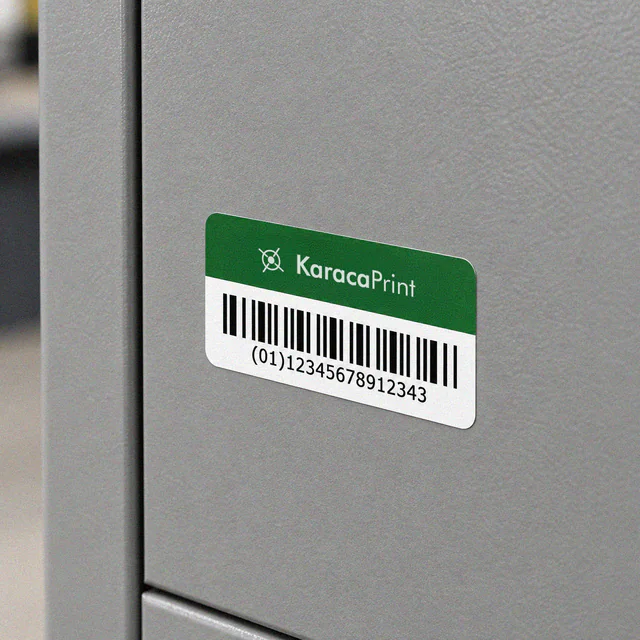
Barcode & QR Labels
Labels that match your records with fixed or variable barcodes, QR codes, names and serial numbers.
Matt Silver Labels
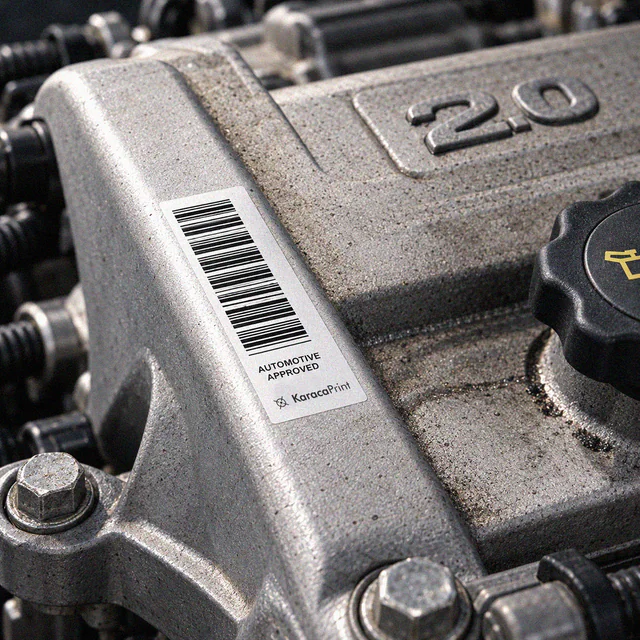
Matt silver labels carrying model, serial number and code details on devices, machinery and assets.
Aluminium Stickers
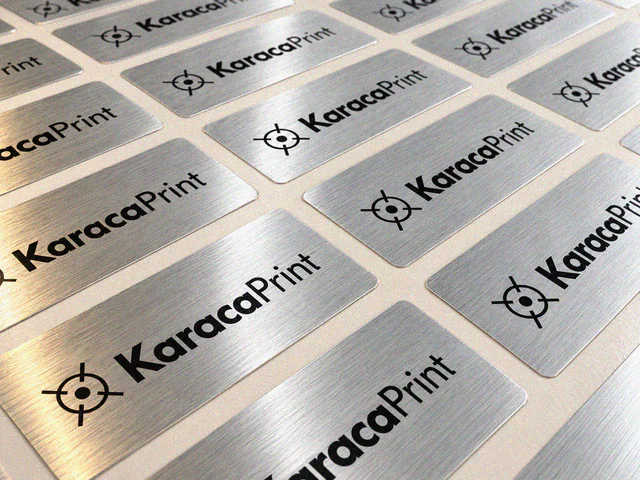
Self-adhesive aluminium labels carrying logos, model names and technical information on equipment.

Polycarbonate Panel Labels
Printed equipment overlays combining button markings, symbols and display areas on a device's front panel.