
Commercial Printing
Restaurant Menus
Restaurant menus need a clear sequence of product names, descriptions and prices. Frequently changing prices make page replacement important, while heavy daily use calls for careful consideration of cover and surface cleaning.

1 / 5 · UV printed wooden menu — restaurant menu sample
Applications
- Restaurant tables
- Cafe menus
- Event menus
- Minimum order quantity
- 500 pieces
- Open and closed menu dimensions
- Measure the closed menu's table footprint, then the full width of two open pages. Test the longest dish name with its description and price. Replaceable pages may help when prices change frequently.
- Content update
- Decide early whether pages must be replaceable. Fixed printing and interchangeable content require different constructions.
- Cleaning conditions
- Test material, printing and cleaner together. A wipeable surface does not resist every chemical equally.
- Does a QR code also update the prices on a printed menu?
- A QR code opens a digital menu address; it does not update printed names or prices. Check the digital destination and printed content separately. Plan binding and replacement for frequently changing printed pages.
Related printing services: Offset Printing, UV Printing, Digital Printing
Before printing
- Final content list
- Combine names, descriptions and prices in one approved list. State languages and version date in the file.
- Usage example
- Review page order on the table. Check fine text, binding allowance and ease of replacing pages at actual size.
Related products
All Products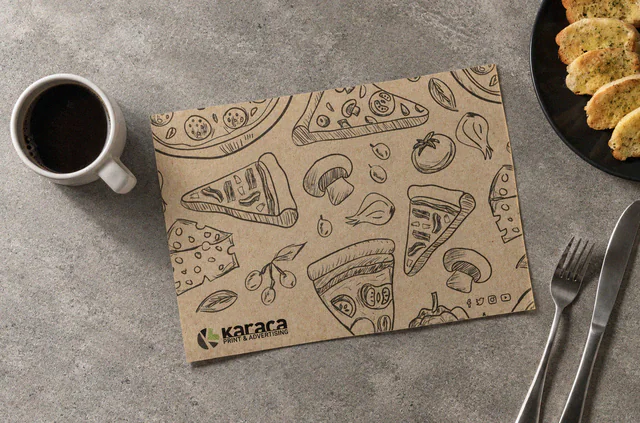
Paper Placemats
Printed paper placemats that add a logo or short message beneath the tableware.
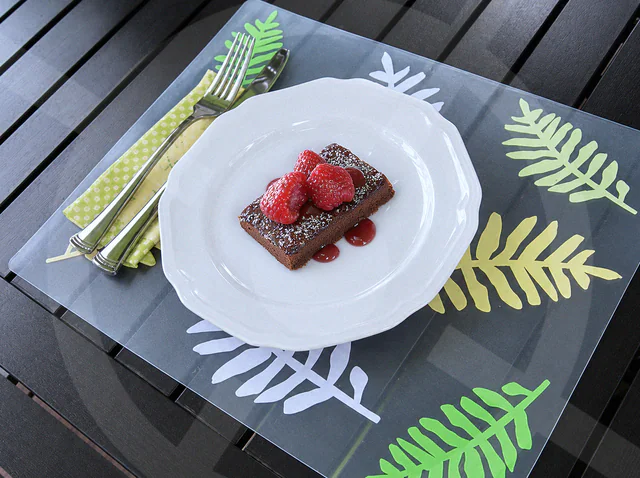
Plastic Placemats
Printed and cut plastic placemats for reusable table settings.
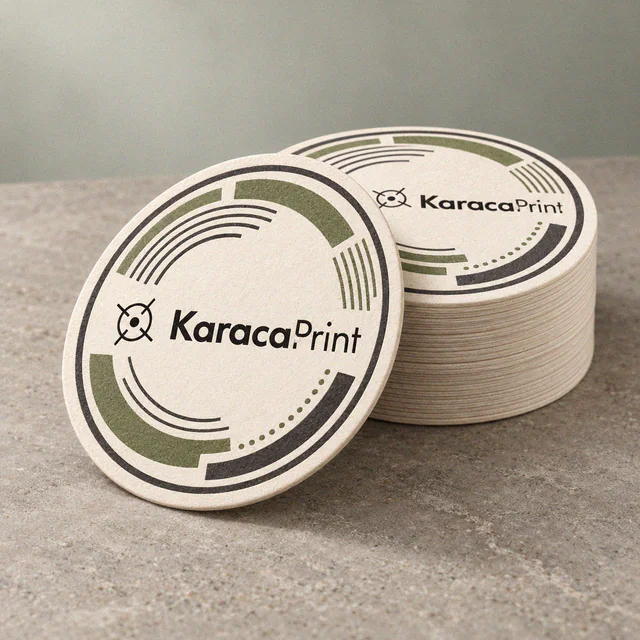
Coasters
Coasters for cafés, offices and gifts, printed with a logo or message on the selected material.
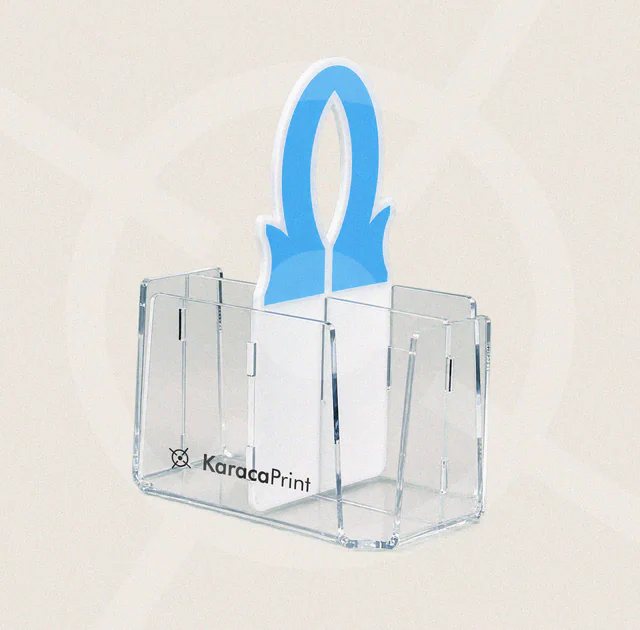
Acrylic Products
Acrylic signs, desktop information displays and presentation products with dimensions, printing and attachments planned together.