
Effects and Varnish Printing
Spot Varnish
Spot varnish adds gloss to selected parts of a logo, heading or image. On a matte background in particular, the difference in finish highlights details on business cards, covers and packaging as they catch the light.

1 / 1 · Close-up of a glossy curved pattern on a red background
Applications
- Business card logo areas
- Cover titles
- Packaging patterns
- Minimum order quantity
- 500 pieces
- Gloss area and print registration
- If only the logo should be glossy, measure the logo in the finished print rather than the cover. Where varnish follows a letter edge, overlay it with the colour artwork at the same scale to check registration.
- Gloss contrast
- Glossy logos or patterns become visible against matte backgrounds as the light changes, drawing attention to selected details.
- Application area
- Spot application defines where varnish is used. The selected varnish system determines gloss, texture and any raised height.
- Is spot varnish always raised?
- Spot means varnish covers selected areas rather than the whole surface. Tactile height depends on the varnish system. For a pronounced raised effect, raised varnish can be considered separately.
Related printing services: Screen Printing
Before printing
- Varnish layer artwork
- Prepare varnish areas as a clearly named, separate spot-colour layer. Keep print and varnish layers aligned in the preview.
- Fine detail and folds
- Show fine lines, narrow gaps and folds at actual size. Specify the substrate and any lamination before application.
Clear spot varnish can create a second pattern visible through light over colour printing. Lines, dots or geometric textures add surface detail without an additional colour.
Varnish flow and curing affect surface smoothness and pattern edges. A system compatible with the substrate supports consistent texture and gloss in the selected areas.
Related products
All Products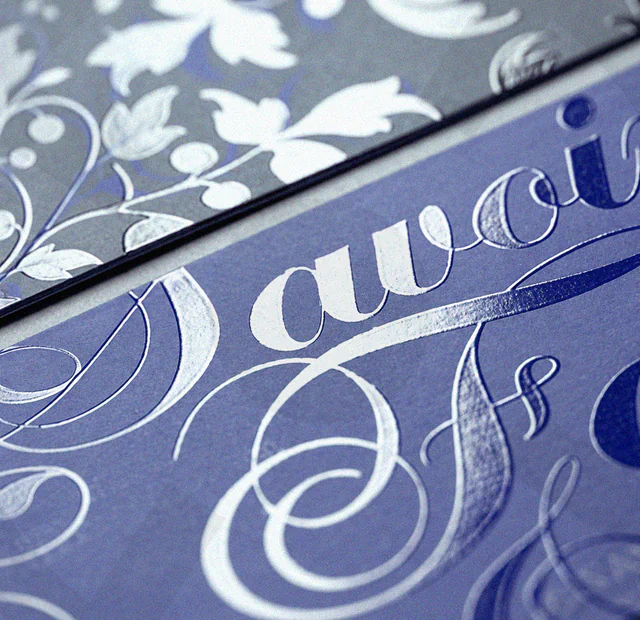
Raised Varnish
A print finish that adds a varnish layer to logos, text and patterns to create a raised, tactile surface.

Textured Varnish
Textured varnish giving selected areas of covers, packaging and decorative prints a sand-like feel.
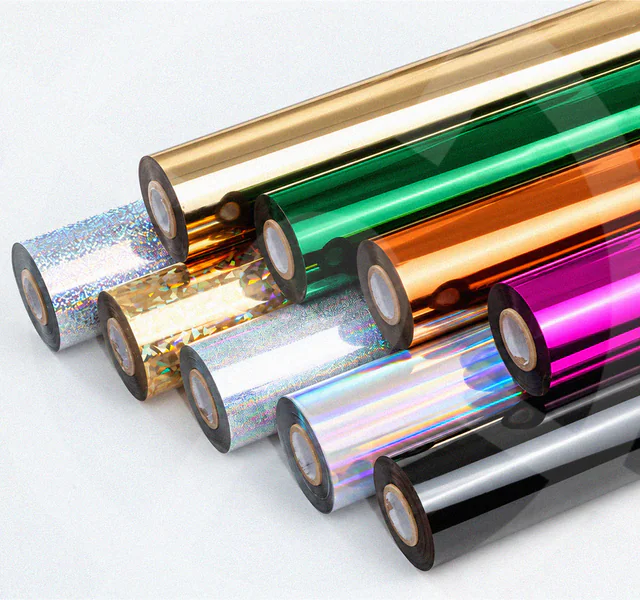
Foil Printing
Foil transferred onto logos, names or patterns to highlight selected areas of boxes, cards and invitations.
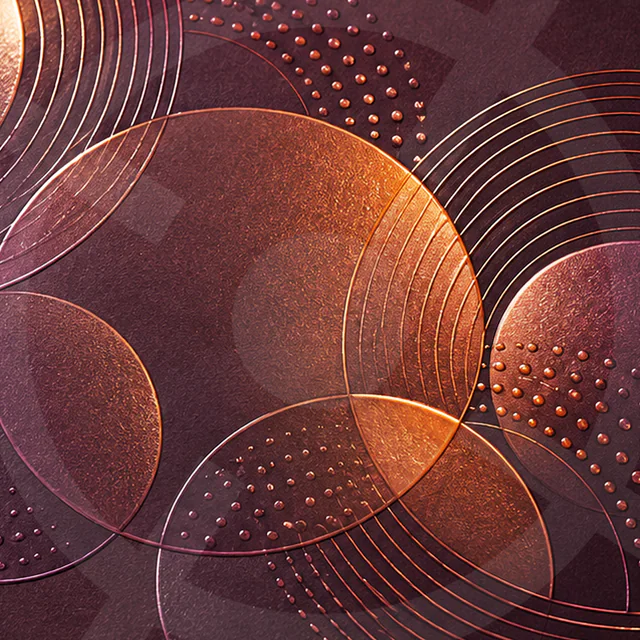
Metallic Effect Printing
Printing with metallic inks to give logos and patterns a reflective finish on covers, labels and packaging.