
Product Printing and Marking
Wood Product Marking
We print logos, text and patterns on wooden boxes and products. The printing method is selected to suit the grain, colour, finish and texture you want to retain in the design.

1 / 4 · Wooden box with a KaracaPrint emblem on the cover
Applications
- Wood box logos
- Menus and directional signs
- Lettering on decorative products
- Minimum order quantity
- 500 pieces
- Print dimensions on wood
- Measure the flat lid area remaining beyond hinges and rounded edges. For fine-line logos, compare two paper layouts oriented differently against the wood grain.
- Natural wood texture
- Grain, surface colour and varnish contribute to the print's appearance. The same logo may show slight tonal differences on different wooden pieces.
- Colour printing options
- UV, screen or transfer printing applies coloured graphics to wood. The printed result is assessed according to the type of wood and its finish.
Related printing services: UV Printing, Screen Printing
Before printing
- Design orientation
- Prepare the logo with grain direction and viewing face identified. Check fine text at the product's final size.
- Surface and use
- Provide a sample showing whether the surface is raw, varnished or painted. Identify functional and decorative areas and any areas that contact food.
Related products
All Products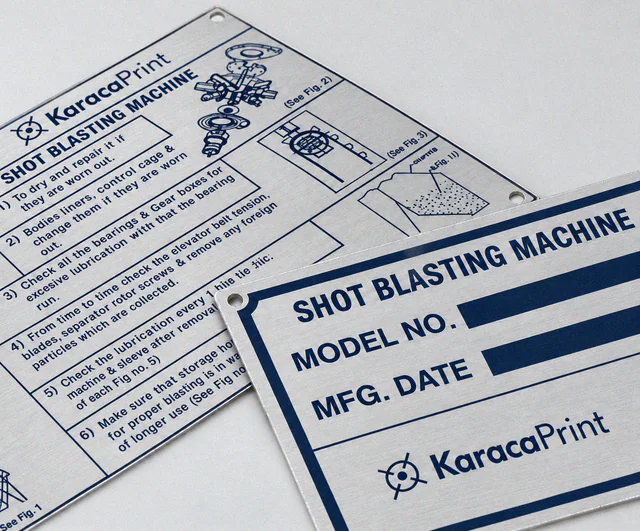
Metal Barcode Labels
Variable QR codes, barcodes and serial numbers on metal plates or product surfaces.
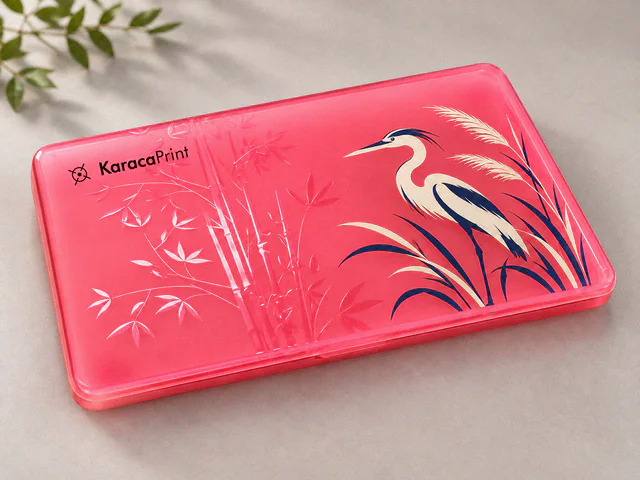
Product Printing & Marking
Logos, text and markings on devices, enclosures, covers, parts and balls, using methods selected for each surface.
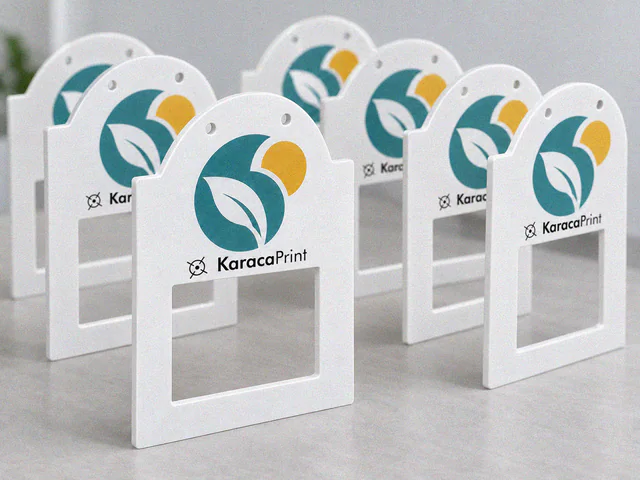
Acrylic Products
Acrylic signs, desktop information displays and presentation products with dimensions, printing and attachments planned together.
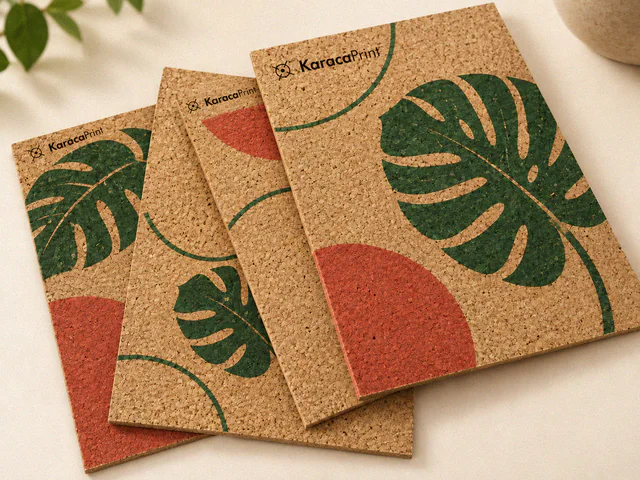
Cork Board Printing
Printing on cork boards and panels to organise notice areas with logos, fixed headings and patterns.